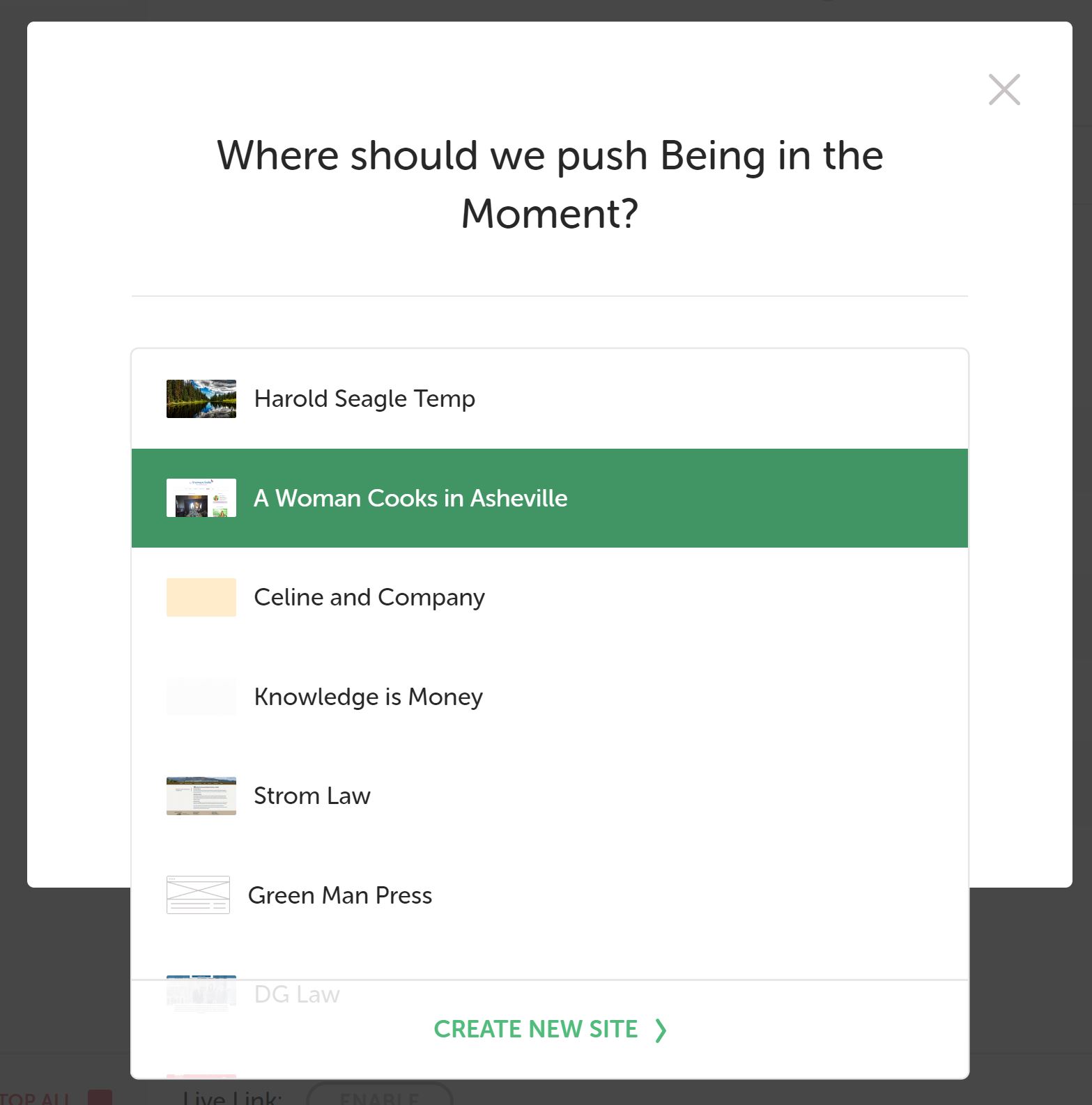
I’m ready to push a final site to Flywheel. I’ve connected my account and can see the full list of sites I’m party to, including the demo site I just spun up where I want to push.
After starting the local site and clicking the “push to flywheel” button, I get to the popup screen that allows you to select from a drop-down list of the sites on your account. I can see the first 7 (the one I want to push to is further down the list). There is no scroll bar; the arrow keys or any other keyboard shortcut I’ve tried does not allow me to move up and down the list. I can select from the first 7 that are visible, again, just cannot find a way to view/select further down the list.
I have restarted the local machine. I have closed the application and reopened, twice. I restarted my computer, tried again. I don’t know what else to try.
I am using the latest version of the app, 3.0.4. I’m on Windows 10.
Anyone have any clues??