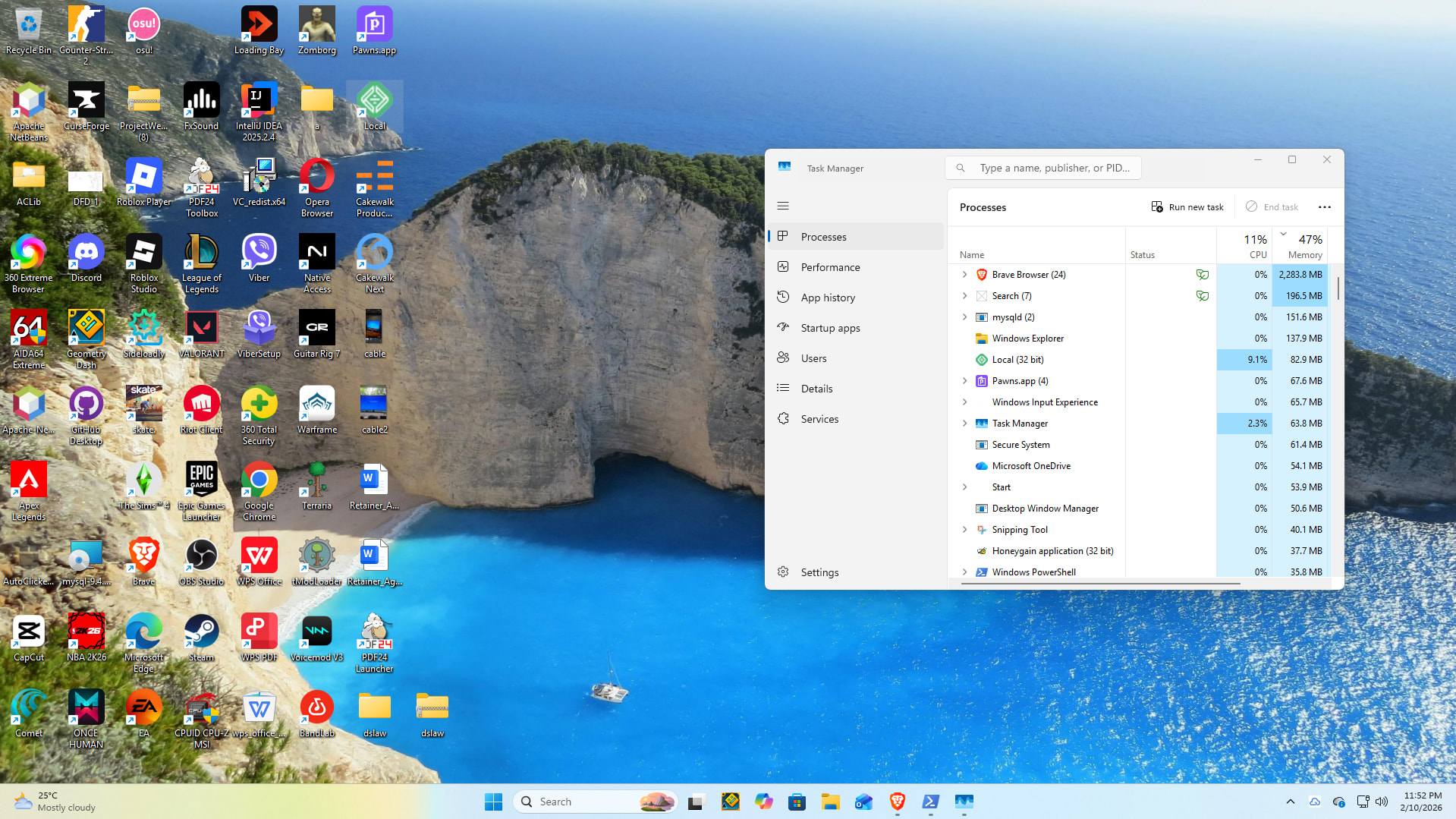
Hi everyone,
LocalWP won’t start on my PC. When I launch it, it appears briefly in Task Manager and then closes immediately. Running as Administrator doesn’t help.
I already tried the hosts-file troubleshooting at C:\Windows\System32\drivers\etc\hosts (took ownership, removed read-only, and confirmed I can edit/save it). Still no change.
OS: Windows 11 Pro (Version 25H2)
Any ideas on what else could cause Local to close instantly, and what logs/details should I provide?
I checked Windows Defender Firewall → Allow an app and initially Local was not listed (no “Local” / “Local by Flywheel” / “Local.exe”). I then manually added Local.exe and enabled it for both Private and Public networks (screenshot attached).
Also sharing a screenshot of my current %AppData%\Roaming\Local folder — after resetting/cleaning config, it only contains machine-info (no local-lightning*.log being generated because Local closes immediately).
For context: I already uninstalled 360 Total Security and Norton 360 to rule out third-party security blocking. Hosts file permissions are fixed and writable.
If needed, I can add any other Local executables to the firewall allowed apps — just let me know the exact .exe names and whether they should be Private only.
In order to refresh here and start with a clean slate could you give the below troubleshooting steps a try @kevkujo?
Export any sites that you have on Local and save them to a folder somewhere on your computer if you had any previous work. Since you can’t open Local if you did have sites to save you could manually look up your Local Sites directory and grab them from there.
Fully uninstall Local from your computer with your OS specific steps here: Uninstall Local - Local
Install the latest version of Local on this link: Releases - Local
Once installed, please restart the computer.
When the computer is restarted and turned on, close any applications that automatically run in the background (AntiVirus, Firewall, and other Developer applications included).
I just spun up my Windows 11 instance of Local as a test but it’s still working fine for me. Something else you could try is creating a new Admin user on your device, and seeing if Local will run under a different account.
There is likely something still interfering with Local under your current user, either another program or a security setting but we’ve covered most of the usual suspects here. Something less common could be that you’re out of disk space, which means that Local doesn’t have enough room to operate.
There are some other troubleshooting comments in this thread you could attempt as well if it continues: Problem running wp local