I login to Local Hub, then click ‘open Local’, the app opens on my laptop, I select a site, start the site, then the app won’t open the site when I click ‘open site’ nor will it open ‘WP Admin’ when I click it. I also try to enable Live Link, but the app says I need to login to Local Hub, I click the link to do so, and it does not open Local Hub on a web-page like usual. This was all working fine yesterday. I have restarted, re-opened and closed all apps and web-pages repeatedly to no change in this condition.
What steps can be taken to replicate the issue? Feel free to include screenshots, videos, etc
System Details
Local Version:9.2.8+6882
Operating System (OS) and OS version:Linux Ubuntu - latest version
Security Reminder
Local does a pretty good job of scrubbing private info from the logs and the errors it produces, however there’s always the possibility that something private can come through. Because these are public forums, always review the screenshots you are sharing to make sure there isn’t private info like passwords being displayed.
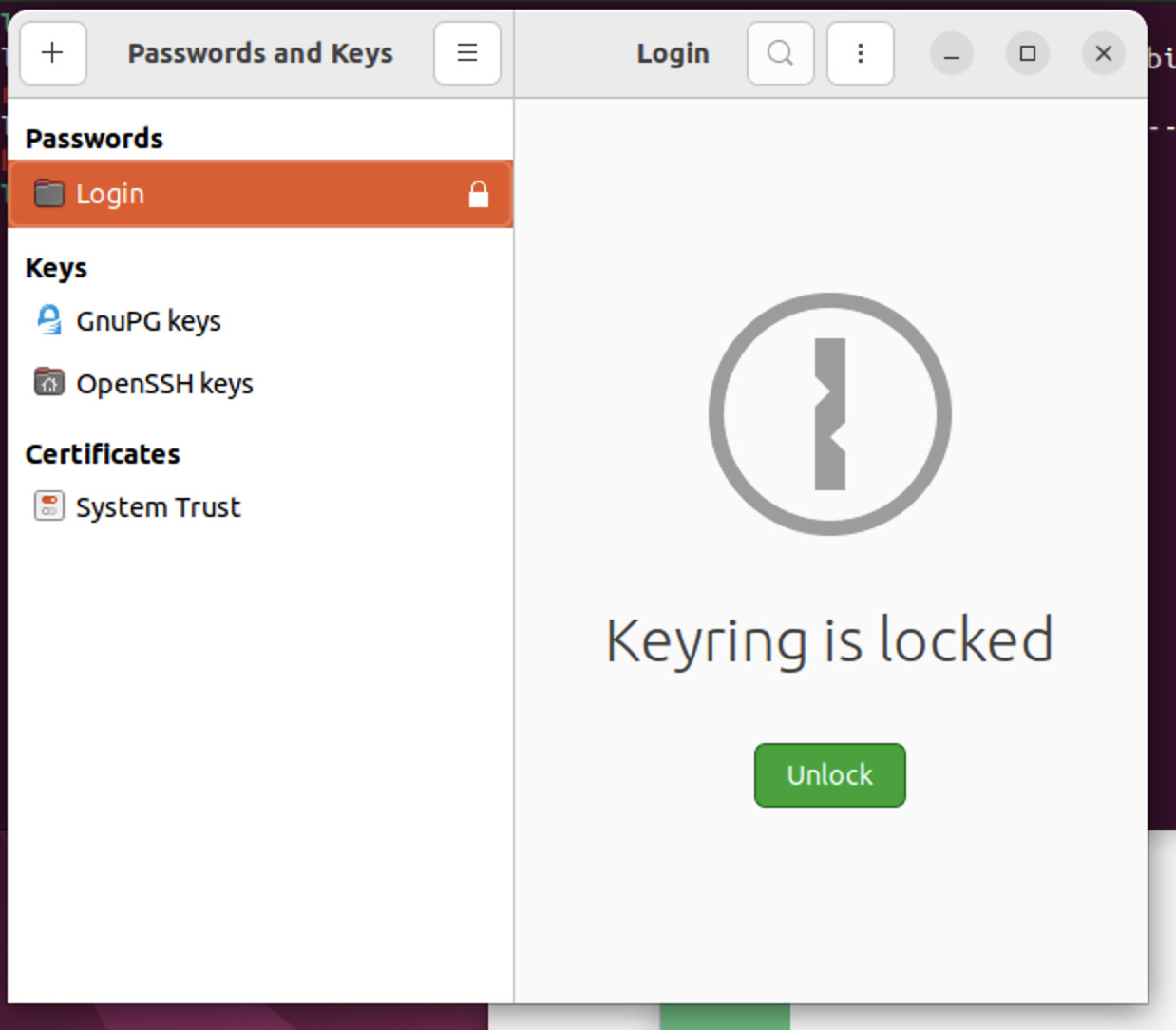
Restart your machine in case services such as keyring or polkit have crashed. Since things worked yesterday, this is worth trying.
Start Local again and allow any password prompts that appear when you create or start a site.
If that doesn’t help, your log shows two separate issues:
1. Sites not starting (permission error)
SiteProcessManagerService | Unable to start site.
Error: Error: User did not grant permission.

Error executing command as another user: Not authorized
exitCode: 127
Local needs permission to write to /etc/hosts in order to start sites in domain mode and run nginx on a priority port. If you cancel the prompt (or no prompt appears), sites will fail to start and buttons like Open Site or WP Admin won’t work.
On stock Ubuntu, Local normally has everything it needs (pkexec, provided by policykit-1) to show you a prompt to allow it to start nginx on port 80 and write to /etc/hosts.
First, check if PolicyKit is running:
ps aux | grep polkit
If you see /usr/libexec/polkitd (or similar), PolicyKit is running. In that case, quit Local completely, reopen it, and try starting a site again being sure to accept the password prompt. If you accidentally denied it once, the only fix is to restart Local and accept it.
Make sure /etc/hosts is owned by root:root with permissions rw-r--r--.
If you made any changes like switching desktop environments (e.g. from GNOME to KDE) since Local was working for you yesterday, you may need to install and configure keyring/PolicyKit manually.
 If you see
  If you don’t see