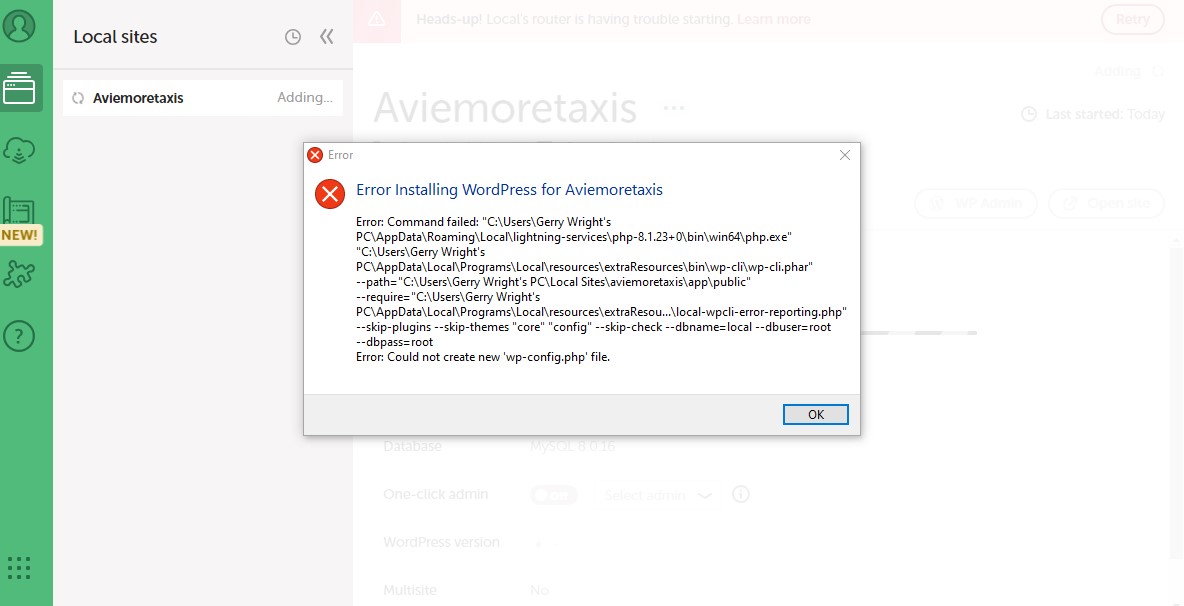
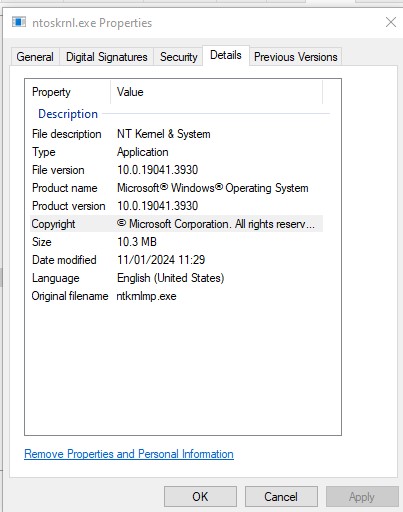
Each time ( 3 now) I install Local WP I am presented with an error code (see image). I am not going to resolve this myself, so to save my time I have posed these problems for any goodhearted tech person to show me the way. My secondary issue is port 80. I have a windows system programme with PID 4 on port 80 (see image). I don’t know if I can stop or close this function. I am assured that this is the cause of my router problem highlighted evry time I connected.
I’m learning on the hoof here so some guidance and a reassuring nod would be v much appreciated and I can finally get WordPress established and get on with my webpage.
System Details: Device name Valhalla
Processor Intel(R) Pentium(R) CPU 4415U @ 2.30GHz 2.30 GHz
Installed RAM 24.0 GB (23.8 GB usable)
Device ID B18C62FD-7AE9-4C98-B06D-F2D72F7C463F
Product ID 00325-81257-59978-AAOEM
System type 64-bit operating system, x64-based processor
Pen and touch Pen and touch support with 10 touch points
Local Version: latest as of 20/01/24
Operating System (OS) and OS version:**
|Edition| Windows 10 Home|
|Version|22H2|
|Installed on|14/09/2022|
|OS build|19045.3930|
|Experience| Windows Feature Experience Pack 1000.19053.1000.0|
It looks like this error may be due to a special character in your Windows username.
Can you try creating and using a user directory without extended characters? This would include spaces or apostrophes.
If you have other programs interfering with Local, as a workaround you can try changing your Router Mode to Localhost as well. If you change your Router Mode to Localhost are you able to proceed? Preferences>Advanced>Router Mode>Localhost
If only I had read your response 11d ago, your second response, I would have stressed less. However I am currently creating a disk image and next change the user directory name as was suggested as the high stakes move. As I write I have changed my mind and will opt for new windows user fix.
As I said, if I had been aware of your advice I would have forced port 80 clean because the router mode is optimum mode. I’m sure Localhost will suit my needs fine presently and you see this as an adequate resolve, rather than mess with a windows process/programme. I did play with Localhost and I think it connected fine, but I still wasn’t satisfied.
Hopefully I can report positively and I thank you very much for your knowledge and time given over to me very efficiently.
Cheers.