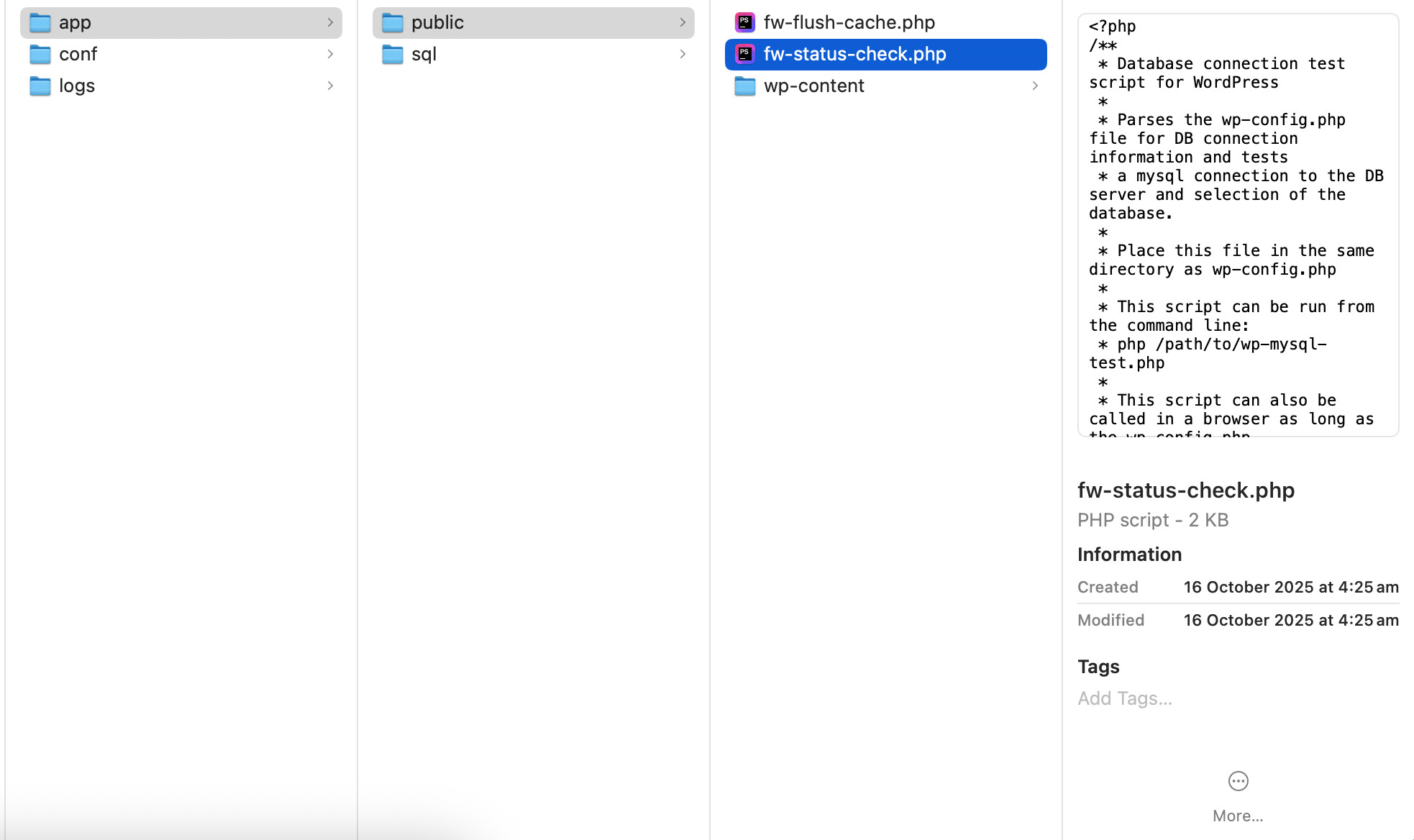
Recently when I pull an existing site from Flywheel down to local it can sometimes break the local install completely. I get an error message (screenshot below), and then when I check the file structure only wp-content is left — all other WP folders are deleted (another screenshot below).
Trying again on a new install does not solve the problem and I am currently unable to access these sites at all locally. This is destroying my workflow and I’m at my wits end.
Hi @Foundry! Local wouldn’t be pulling down the WordPress core files by design, as these are intentionally ignored during the sync (and also FW locks down their Core files anyways).
So there might be a different type of issue at play here. As a workaround for now, have you tried downloading a backup and directly importing that into Local?
Thank you @Foundry - Also to clarify if you create a new, blank site Local are you not able to access/start that at all either? Or is it only these sites from Flywheel you’re having trouble getting going?
Okay that’s good! That means the app should be working normally.
There might be some kind of connection problem when the site is getting pulled. So if you’re able to manually import and it works normally that way, that can help pinpoint that as the issue.